ThunderAuto Actions
A ThunderAuto Action defines a command or sequence of commands that the robot can perform. Actions can be run at a specific point along a Trajectory, or as a step in an Autonomous Mode.
There are three types of actions that can be created in ThunderAuto:
- Command
- Runs a command on the robot. A command with the specified name must be registered to the project in the robot code, see Registering Action Commands for details.
- Sequential Action Group
- Runs a sequence of actions in order.
- Concurrent Action Group
- Runs a set of actions simultaneously.
Note
Action Groups can contain other Action Groups, however circular references are not allowed.
Creating a New Action
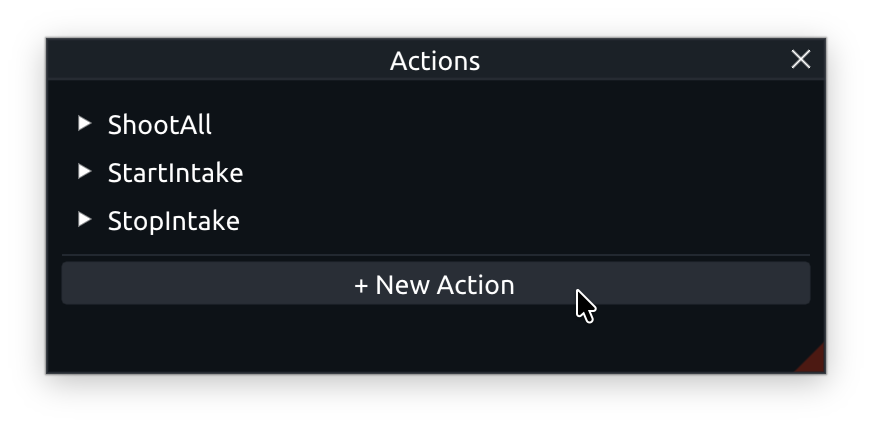
In the Actions panel, click the + New Action button and enter your desired action name in the popup dialog.
Editing Group Actions
In the Actions panel, open the dropdown for the Action Group you wish to edit. Click the + Add Action button to add actions to the group, or drag and drop actions from the Actions panel into the group's action list. You can reorder actions within a Sequential Action Group by dragging and dropping them within the action list.