Creating a ThunderAuto Project
When you open ThunderAuto, you will be presented with the Welcome Page. Click Open Project to open an existing ThunderAuto project, or New Project to create a new one.
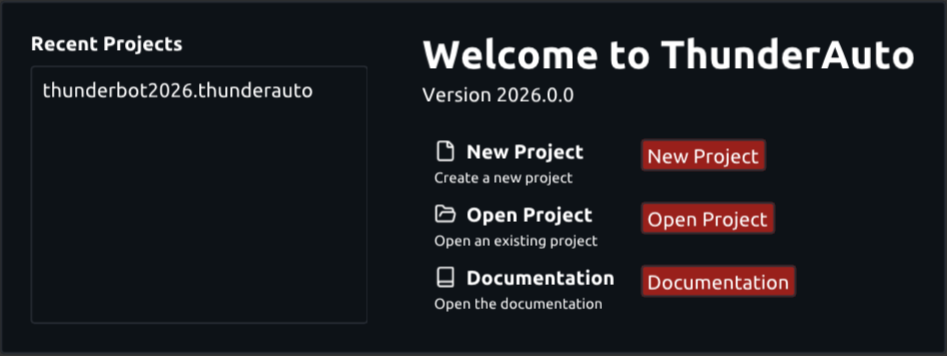
Upon clicking New Project, the New Project dialog will appear:
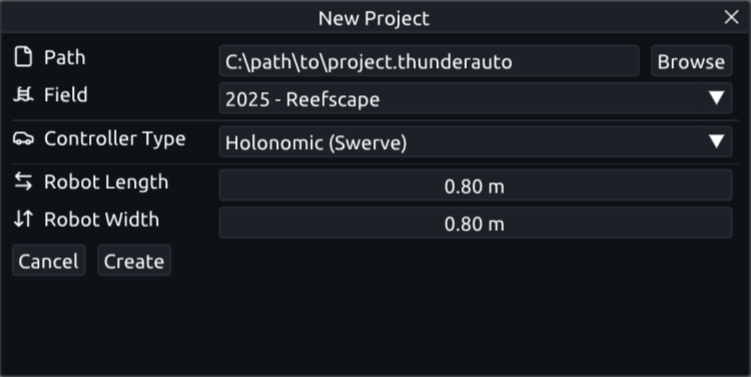
Fill out the following fields in the New Project dialog:
- Path: The path to save the ThunderAuto project to.
- If you plan to use ThunderLib to read the project on the robot, provide a path to somewhere in the
src/main/deploy/directory of your robot project. - Project filename must end with
.thunderauto
- If you plan to use ThunderLib to read the project on the robot, provide a path to somewhere in the
- Field: The FRC game field to create the project for.
- Controller Type: The type of drivetrain controller the robot uses - only Holonomic (swerve) is currently supported.
- Robot Length, Robot Width: The dimensions of the robot. These values are only used for displaying the robot in the editor, and do not affect trajectory generation.
Click Create to create the project, and the ThunderAuto editor will open.